Using Templates and Placeholders
Last updated: February 26, 2026
Templates + Placeholders
Placeholders help you block out your video quickly before your final assets are ready.
Use them to:
- Set structure and pacing early.
- Keep your scene layout clean while collecting assets.
- Replace content later without rebuilding timing from scratch.
Draw placeholders
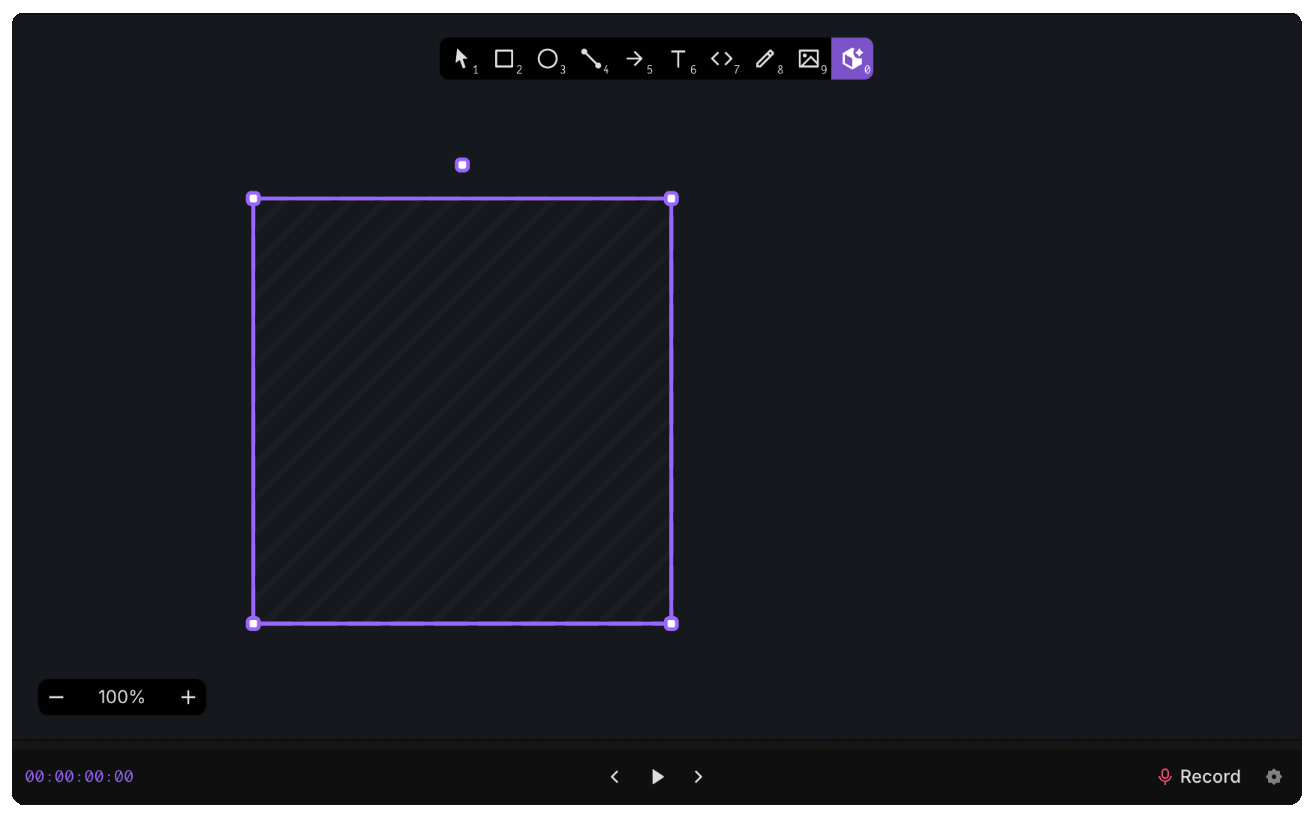
Draw simple placeholder shapes where your final visuals should go.
This gives you a complete layout first, so you can focus on flow and timing before polishing content.
Replace with media (drag and drop from sidebar)
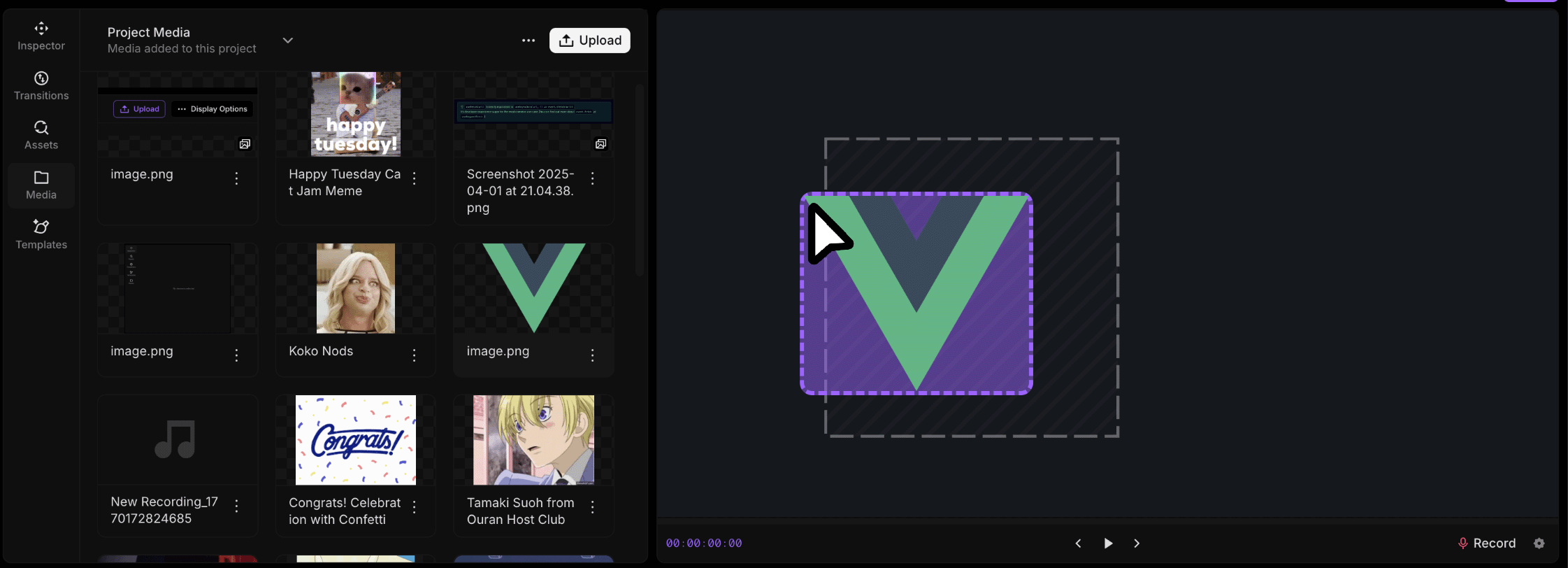
When your media is ready, drag from the sidebar onto a placeholder to replace it. You can insert from icons, GIFs, or your Media tab.
This is the fastest way to go from rough structure to a real scene while preserving your layout decisions.
Replace with elements (context menu)
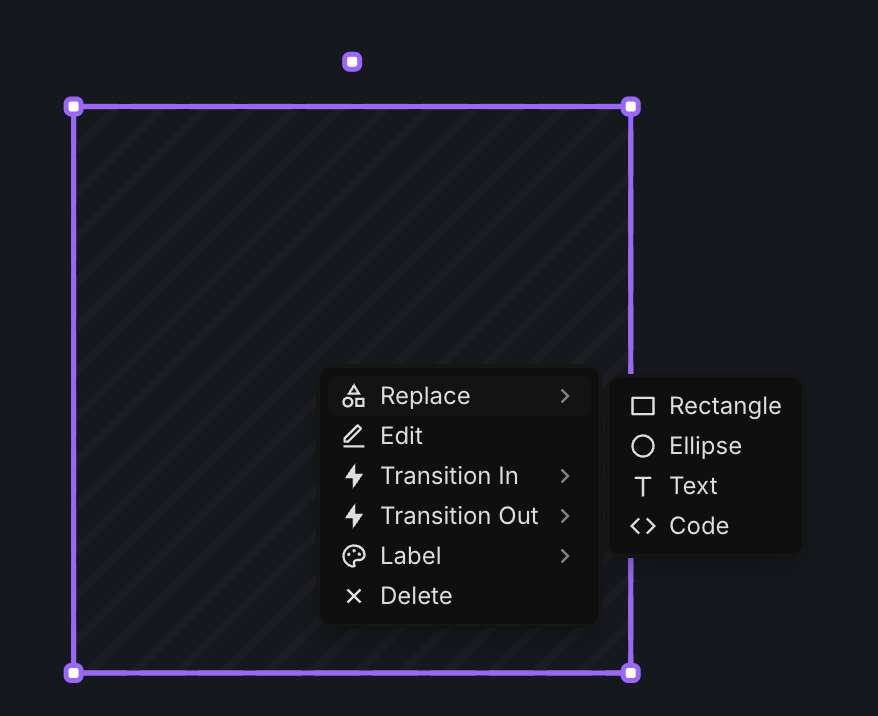
You can also swap a placeholder using the context menu.
Right-click the placeholder, choose replace, then pick the element you want.
Use this when you want to swap in text, shapes, or other design elements instead of uploaded media.
Outcome
By using placeholders first, you can:
- Build scenes faster.
- Keep your timeline moving even before assets are finalized.
- Replace rough blocks with final media or elements in seconds.