Advanced Animations
Last updated: February 26, 2026
Animations
Advanced animation in FrameZero gives you precise control over how elements change over time.
Instead of applying one-off effects, you mark specific properties (like position, scale, opacity, and rotation) as animated, then control how those values change over time with keyframes.
How Keyframe Tracking Works
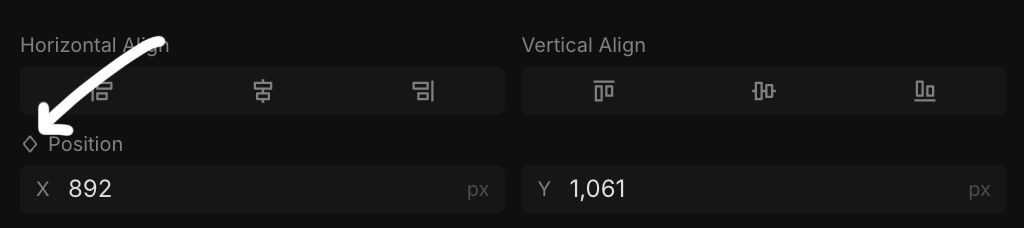
- Mark a property as animated
This creates a keyframe at the current frame with the current value. From that point on, changes to that property are tracked and converted into keyframes. - Move to a different frame and change the property
FrameZero creates a new keyframe automatically. Motion is generated between the two keyframes. - Use the
Animatetab for advanced control
Manage keyframes directly, fine-tune easing, and shape timing with more precision than inline property edits.
Why Use the Animate Tab
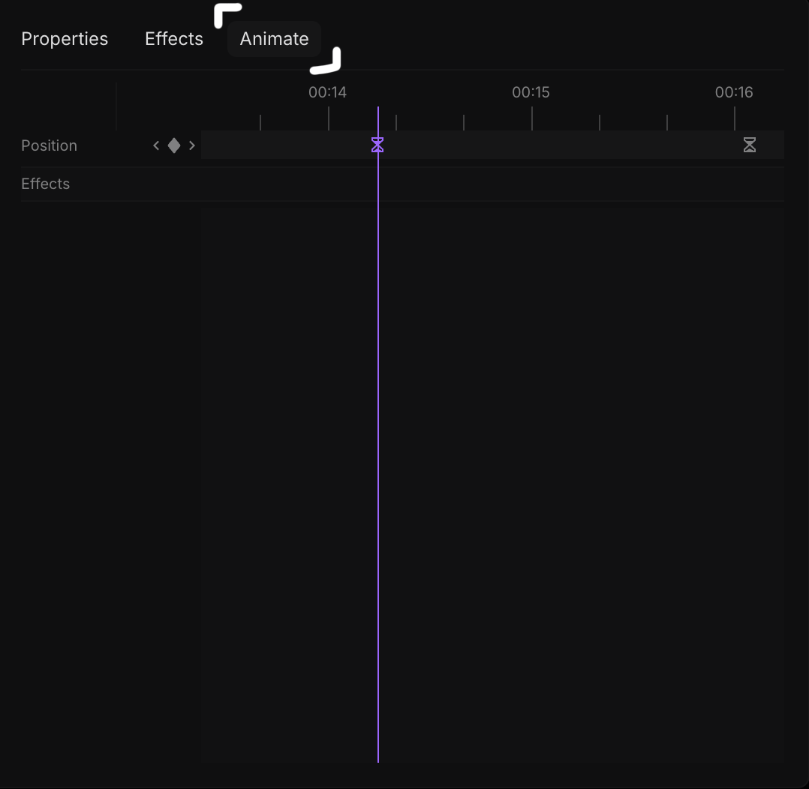
- It gives a single place to inspect all keyframes on an element.
- It makes timing edits easier when multiple properties are animated.
- It helps you refine timing and pacing without guessing.