Adding Effects
Last updated: February 26, 2026
Adding Effects
Effects help you quickly change the look of a layer. You can add them from the Inspector, then reorder them to get different results.
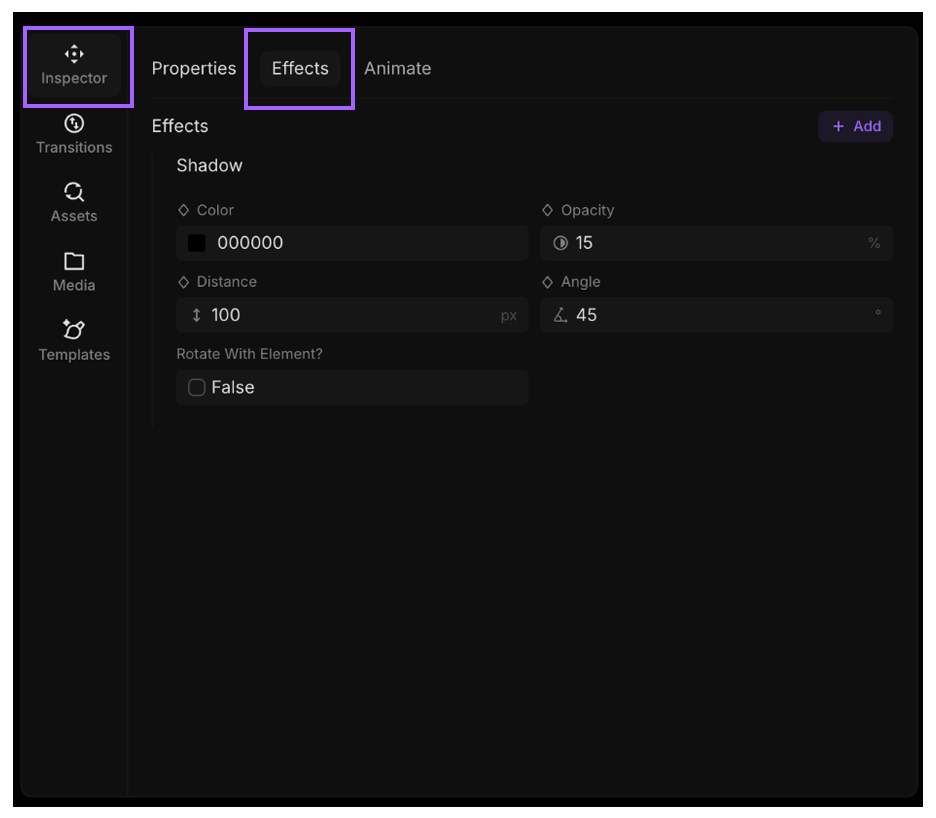
Add Effects from the Inspector
- Select a layer on the canvas or timeline.
- Open the Inspector tab.
- Find the Effects section.
- Click Add Effect.
- Choose an effect and adjust its settings. When a layer has multiple effects, FrameZero applies them from top to bottom in the Effects list, so reordering effects can change the final result.